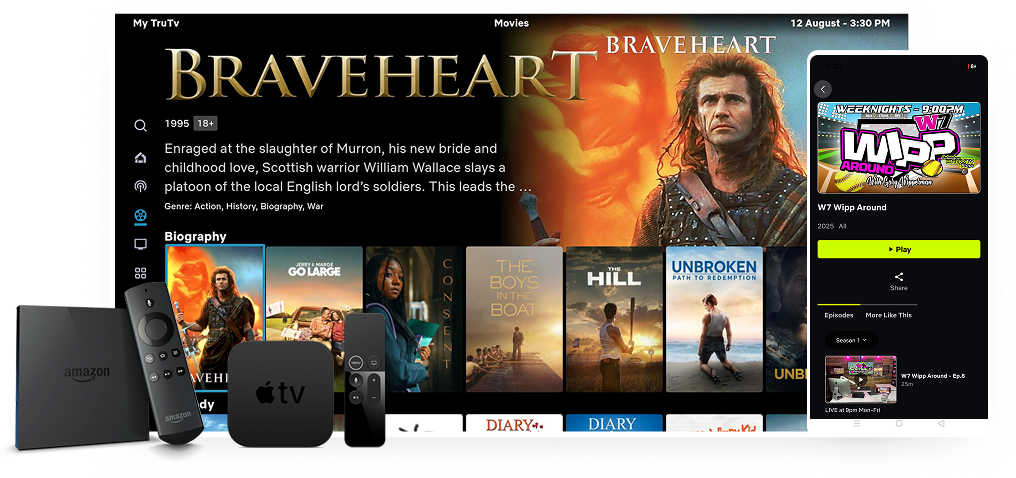
Finding VOD Content: How to Navigate IPTV Movie Menus
IPTV services offer massive video on demand libraries with thousands of movies and TV shows. But navigating through IPTV VOD movie menus can be overwhelming when you do not know where to start. This guide teaches you how to efficiently find the content you want, discover hidden gems, and get the most out of your VOD library.
Understanding VOD Menu Structure
Most IPTV services organize their VOD content in similar ways:
- By genre: Action, Comedy, Drama, Horror, Sci-Fi, Documentary
- By year: New releases, 2024 movies, Classic films
- By country: Hollywood, Bollywood, Arabic, Latin, Asian cinema
- By quality: 4K, 1080p, 720p sections
- By type: Movies, TV Series, Kids content
- Recently added: New content added in the last few days
Using Your IPTV Player to Browse VOD
TiviMate: Go to the Movies or Series section from the main menu. Use the category sidebar on the left to filter by genre. The search function supports partial name matching. Sort options include alphabetical, recently added, and by size.
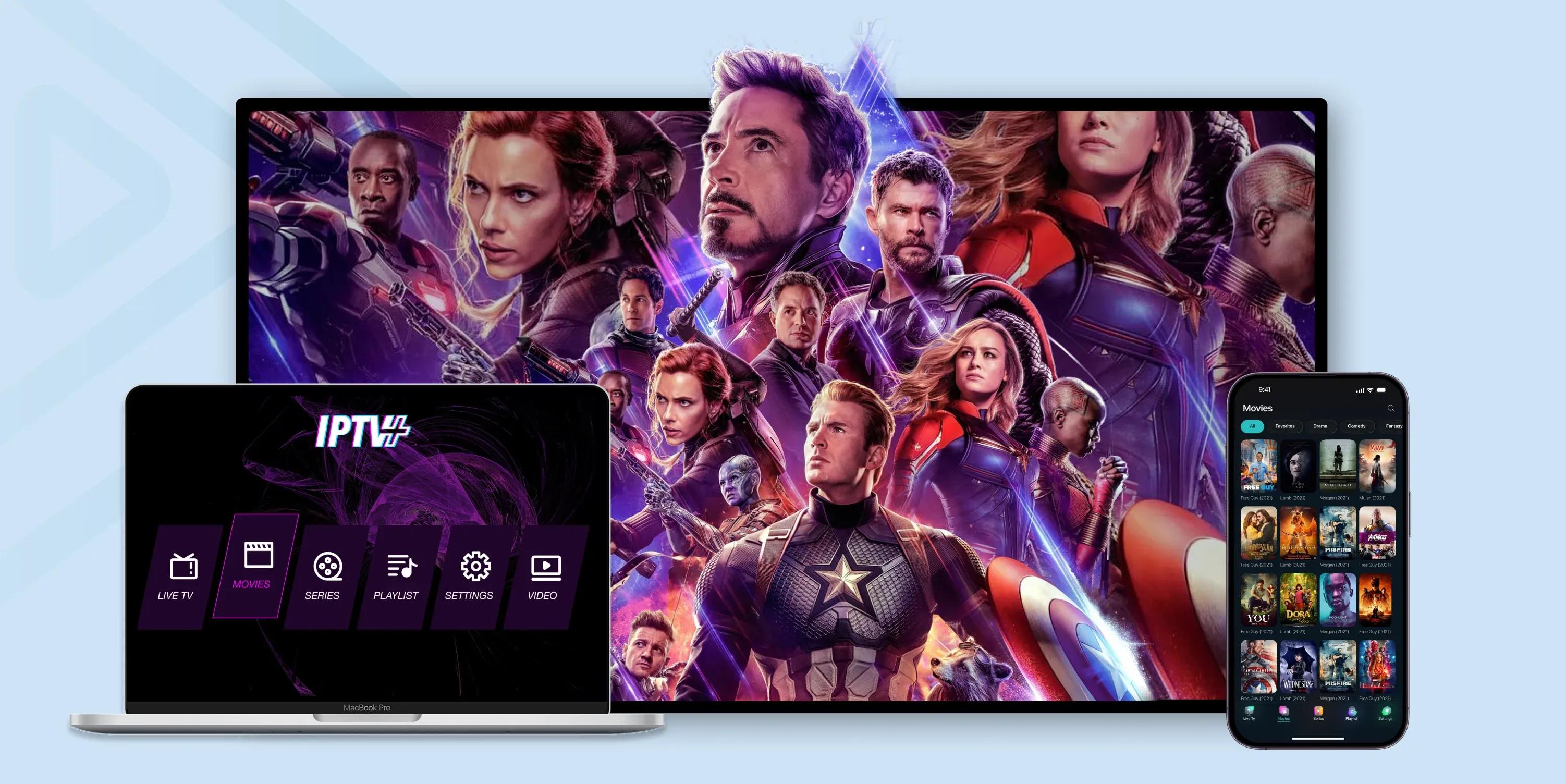
IPTV Smarters: Navigate to the VOD section from the main dashboard. Content is organized in tiles with movie posters. Use the filter button to narrow by genre, year, or language. The search bar at the top searches across all VOD categories.
OTT Navigator: The Movies and Shows sections offer grid views with poster art. Category filters appear at the top. The advanced search lets you filter by multiple criteria simultaneously.
Tips for Finding Good Content
- Browse the Recently Added section weekly for new content
- Check the Top Rated or Most Popular categories for crowd favorites
- Use genre filters when you are in the mood for a specific type of movie
- Search by actor or director name to find their filmography
- Explore country-specific sections for international cinema you might enjoy
- Look for curated collections like Oscar Winners or Holiday Specials
Dealing with Large VOD Libraries
When a VOD library has 10,000+ titles, browsing every option is impossible. Create a watchlist of movies you want to see and add them as you discover them. Use the search function rather than scrolling when you have something specific in mind. Trust the recently added and popular categories for quality recommendations. And do not stress about finding the perfect movie because there is always something good to watch.
Managing Your Watch History
Most IPTV players track what you have watched. Use this to your advantage by picking up where you left off on series. Some players also show you what you have recently watched so you can quickly return to content you enjoy. Clear your watch history periodically if you want fresh recommendations without being influenced by past viewing.
Frequently Asked Questions
Why are some movies not playing from the VOD section?
The VOD file may have been removed, the server may be temporarily down, or the file format may not be compatible with your player. Try a different title to confirm.
Can I download VOD content to watch offline?
Most IPTV players do not support offline downloads. Some services offer download features through their own dedicated apps.
How often is VOD content updated?
Quality providers update their VOD libraries weekly with new movies and recently aired TV show episodes.
Explore our massive VOD library with thousands of movies and shows. Contact us on WhatsApp for just .58 per month.