Guest Streaming Guide: Making Rental TVs Feel Like Home
There is nothing worse than a great vacation and a hotel TV with twelve static channels. Whether you are in a hotel, a holiday rental, or a friend's guest room, a few simple tricks turn any unfamiliar screen into your personal entertainment hub - no downloads, no fuss.
Know What the TV Offers
Modern rentals usually include a smart TV, but the login situation varies. Some have apps already installed, some have cast support, and some are stubbornly locked to the cable box beside them. Start by checking which ports and features the TV has - most importantly whether it supports casting or screen mirroring from your phone.
The Phone-to-TV Bridge
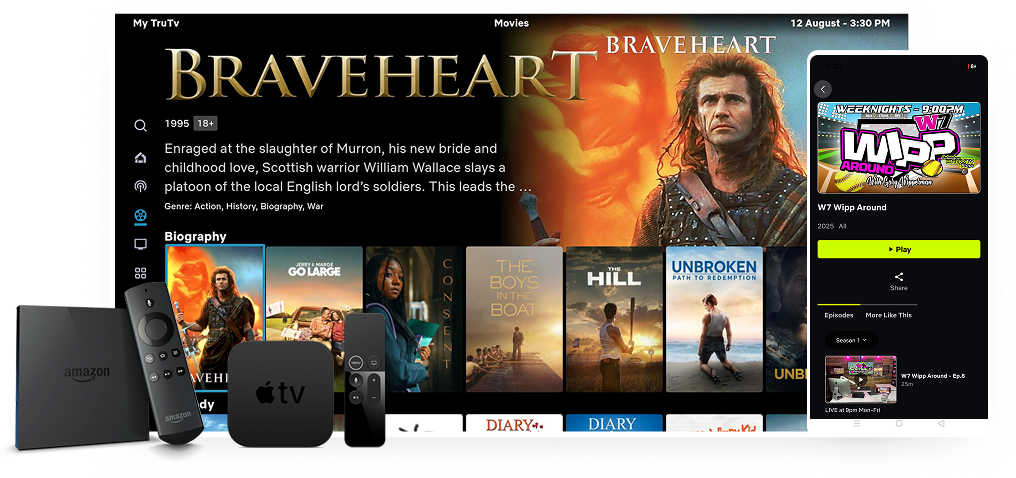
Your phone is the universal remote. From it you can cast video to most smart TVs, connect an HDMI adapter for mirroring, or even stream directly through a travel mini-box. The trick is having your subscription on your phone: as long as your live TV app works on mobile, it can usually reach the big screen in minutes.
| TV Situation | Solution | Setup Time |
|---|---|---|
| Smart TV with apps | Log into your account on the TV | 3 minutes |
| TV with casting | Cast from your phone app | 1 minute |
| TV with HDMI | Plug in a phone-to-HDMI adapter | 2 minutes |
| Old or locked TV | Portable streaming stick | 5 minutes |
Packing the Right Kit
- HDMI adapter: works with almost every modern hotel TV
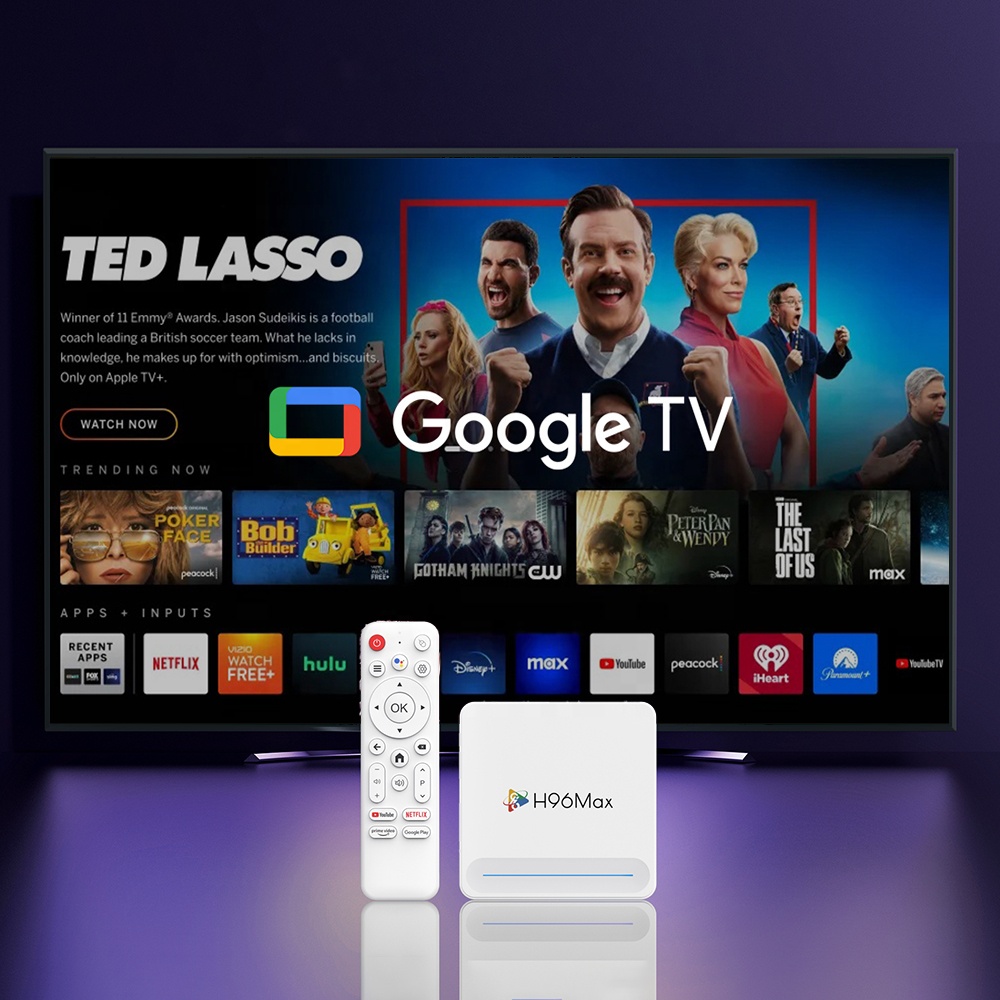
- Streaming stick: the ultimate fallback for stubborn TVs
- Power outlet splitter: ports are often hard to reach behind furniture
- USB-C charger: keeps your phone topped up while casting
Logging In Without the Fuss
Password managers and QR logins save the day. Use your phone to scan the TV's login code, and avoid typing long passwords with a remote. If you use the same service every trip, save the TV as a trusted device so future visits are one tap away.
Enjoy the Show
With this small routine, every rental TV becomes your TV. News from home, your favorite leagues, and the series you are hooked on - all available no matter which city or country you wake up in.
Frequently Asked Questions
Can I log into streaming apps on a hotel TV?
Yes, most smart TVs in rentals support app login. Always sign out when you leave.
What if the TV has no apps at all?
Use a portable streaming stick or a phone-to-HDMI adapter. Both fit easily in a backpack.
Will my home-country channels work abroad?
With an international-friendly service, yes - geo-blocks are the only obstacle, and many providers have no regional restrictions.
Try it FREE for 12 hours
Start My 12-Hour Free TestTap the button to chat on WhatsApp - setup help included.