How to Watch IPTV on a Gaming Console PS5, Xbox, Switch
Gaming consoles like PS5 and Xbox Series X are powerful multimedia devices that many people already have connected to their TVs. If you are wondering whether you can watch IPTV on these devices, the answer is nuanced. Native IPTV apps are limited on consoles, but there are workarounds that let you stream live TV through your gaming setup.
IPTV on PS5
The PS5 does not have native IPTV player apps available through the PlayStation Store. Sony has not approved IPTV-specific apps for their platform. However, you can access IPTV through the PS5 web browser. Open the browser and navigate to web-based IPTV players that support M3U playlists.
The PS5 browser supports HLS streaming, which is the format most IPTV streams use. While the experience is not as polished as dedicated IPTV apps, it works for basic channel viewing. The main limitations are no EPG display, no favorites system, and a clunky interface compared to apps designed for IPTV.
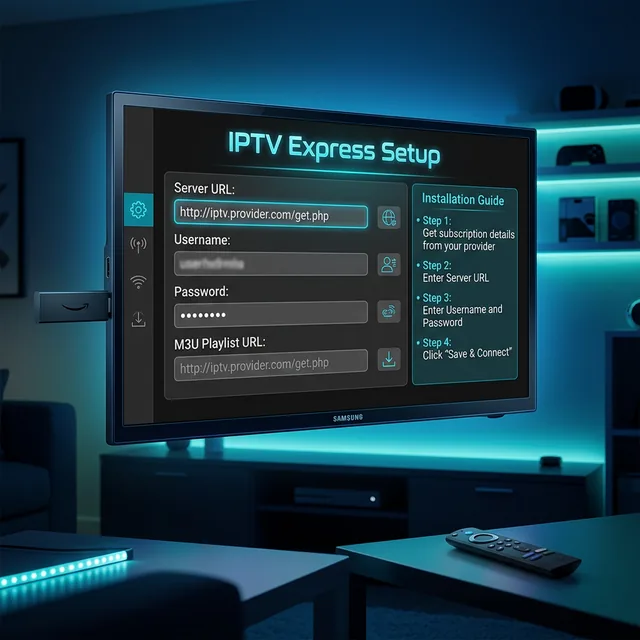
For a better PS5 IPTV experience, consider connecting a Firestick to a different HDMI input on your TV. You can switch between your PS5 for gaming and the Firestick for IPTV using your TV remote. This gives you the full IPTV app experience alongside your gaming console.
IPTV on Xbox Series X
The Xbox has slightly better IPTV options than PlayStation. The Microsoft Edge browser on Xbox works similarly to the PS5 browser for web-based IPTV. Additionally, some third-party apps in the Microsoft Store provide basic IPTV functionality, though selection is limited compared to Android or Fire TV.
Like the PS5, the Xbox browser approach works but lacks the dedicated interface quality of proper IPTV apps. If you primarily game on Xbox and want IPTV as a secondary feature, the browser method is acceptable. If IPTV is a primary use case, a dedicated streaming device is the better investment.
IPTV on Nintendo Switch
The Nintendo Switch has the most limited options for IPTV. The Switch does not have a web browser and has very few media apps. There is currently no practical way to watch IPTV directly on a Switch. This is not surprising given the Switch focus on gaming and its limited hardware for streaming applications.
The Better Alternative: Firestick Alongside Your Console
The most practical solution for gaming console owners is to add a Firestick alongside your console. Most TVs have multiple HDMI ports. Connect your gaming console to one port and a Firestick to another. Switch between gaming and IPTV with your TV remote.
This approach gives you the full IPTV experience with dedicated apps like TiviMate and IPTV Smarters Pro, EPG support, favorites, parental controls, and reliable performance. A Firestick costs -60 and provides a far superior IPTV experience compared to browser-based methods on gaming consoles.
Comparison
| Platform | Native IPTV App | Browser Method | Recommendation |
|---|---|---|---|
| PS5 | No | Works but limited | Add Firestick |
| Xbox Series X | Limited | Works but limited | Add Firestick |
| Nintendo Switch | No | No browser | Add Firestick |
Frequently Asked Questions
Are there native IPTV apps for PS5 or Xbox?
PS5 has no IPTV apps. Xbox has limited third-party options in the Microsoft Store. Neither platform offers the full IPTV app ecosystem available on Firestick or Android TV.
Can I use my gaming console for IPTV and gaming?
You can use the browser method on PS5 and Xbox, but the experience is limited. A Firestick connected alongside your console provides much better IPTV functionality.
Is a Firestick better than using my console for IPTV?
Yes, significantly. Dedicated IPTV apps on Firestick offer EPG, favorites, better player options, and a purpose-built interface that browsers on gaming consoles cannot match.
Get IPTV on any screen! Get IPTV - .58/month