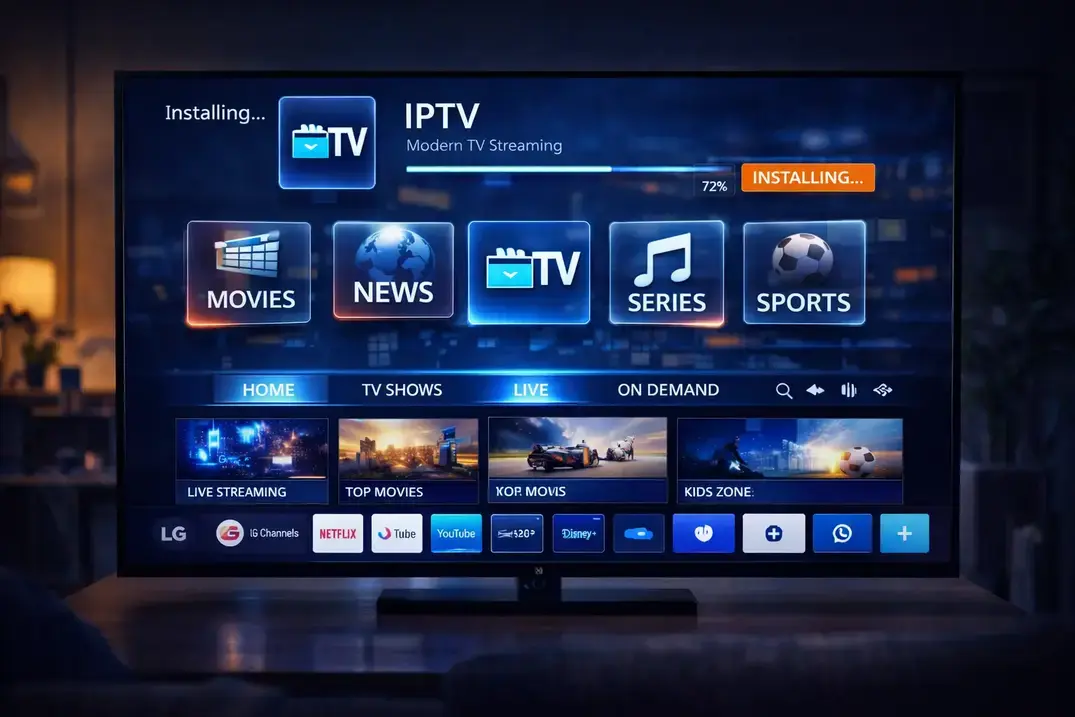
Why IPTV Free Trials Matter More Than You Think
Before you hand over your money for an IPTV subscription, you absolutely need to test the service first. An IPTV free trial lets you check stream quality, verify channel availability, and make sure the service works on your device. Skipping the trial phase is how people end up wasting money on garbage services.
I have tested dozens of IPTV providers over the years, and the ones that offer free trials are almost always more confident in their product. If a service refuses to let you test it first, that tells you everything you need to know.
What to Check During Your Free Trial
Do not just turn on a channel and say it works. You need to be methodical. First, load the channel list and scroll through it. Count the channels in categories you care about. If you want sports, check that ESPN, Sky Sports, beIN Sports, and other sports networks are listed and stream properly.
Second, test channels at different times. A service that works fine at 10 AM might buckle during prime time at 8 PM. The real test is whether it handles the load when everyone is trying to watch the same thing.
Third, check the EPG. Does the program guide load? Does it show the right shows for the right times? A broken EPG means you will spend more time guessing what is on than watching anything.
How to Request a Free Trial
Most IPTV providers offer trials through WhatsApp or their website. Simply send a message saying you want to test the service. Good providers will set you up within minutes with login details like an M3U link or Xtream Codes credentials you can plug into your favorite IPTV player.
When you message for a trial, tell them what devices you use. This helps them provide the right setup instructions so you can test properly without struggling with configuration.
Testing Stream Quality During Your Trial
Switch between several channels and note the loading time. Premium services typically load in under 3 seconds. If you are waiting 10 to 15 seconds, that is not a good sign. Watch for pixelation, freezing, or audio sync issues during the first few minutes.
If possible, test a 4K channel. Not all IPTV services handle 4K well, and you want to know upfront whether the service can deliver high-quality streams to your TV.
Testing on Multiple Devices
Try the service on every device you plan to use. If you watch mostly on your TV, test there first. But also try it on your phone or tablet. A good IPTV service works smoothly across all your devices without separate subscriptions.
Free Trial Testing Checklist
| What to Test | Pass | Fail |
|---|---|---|
| Channel Loading | Under 3 seconds | Over 10 seconds |
| Stream Quality | HD/4K stable | SD or pixelated |
| EPG Accuracy | Matches broadcast | Wrong or missing |
| Peak Hours | No buffering | Constant freezing |
| Device Support | Works on all devices | Limited platforms |
| Customer Response | Reply within 1 hour | No response for days |
Questions to Ask Before Your Trial Ends
Did the channels I watch actually work? Was the picture quality acceptable? Did the service stay up during peak hours? Was the EPG accurate? If the answer to any of these is no, move on to another provider.
Frequently Asked Questions
How long does a typical IPTV free trial last?
Most providers offer 24 to 48 hour trials. Some offer shorter 6-hour trials. You should have enough time to test channels, quality, and reliability across your devices.
Do I need to give payment info for a free trial?
Legitimate IPTV services typically do not require payment information for a free trial. They set you up with credentials directly. If someone demands your credit card for a trial, that is a red flag.
What if the trial works but the paid service does not?
This can happen if the provider uses trial servers that are less loaded. This is why you should test during peak hours on the last day. Start with a monthly plan if unsure.
Is a free trial enough time to fully test a service?
A 24 to 48 hour trial is usually sufficient if you test systematically. Test during daytime, evening, and weekend hours. Check multiple channel categories and verify the EPG.