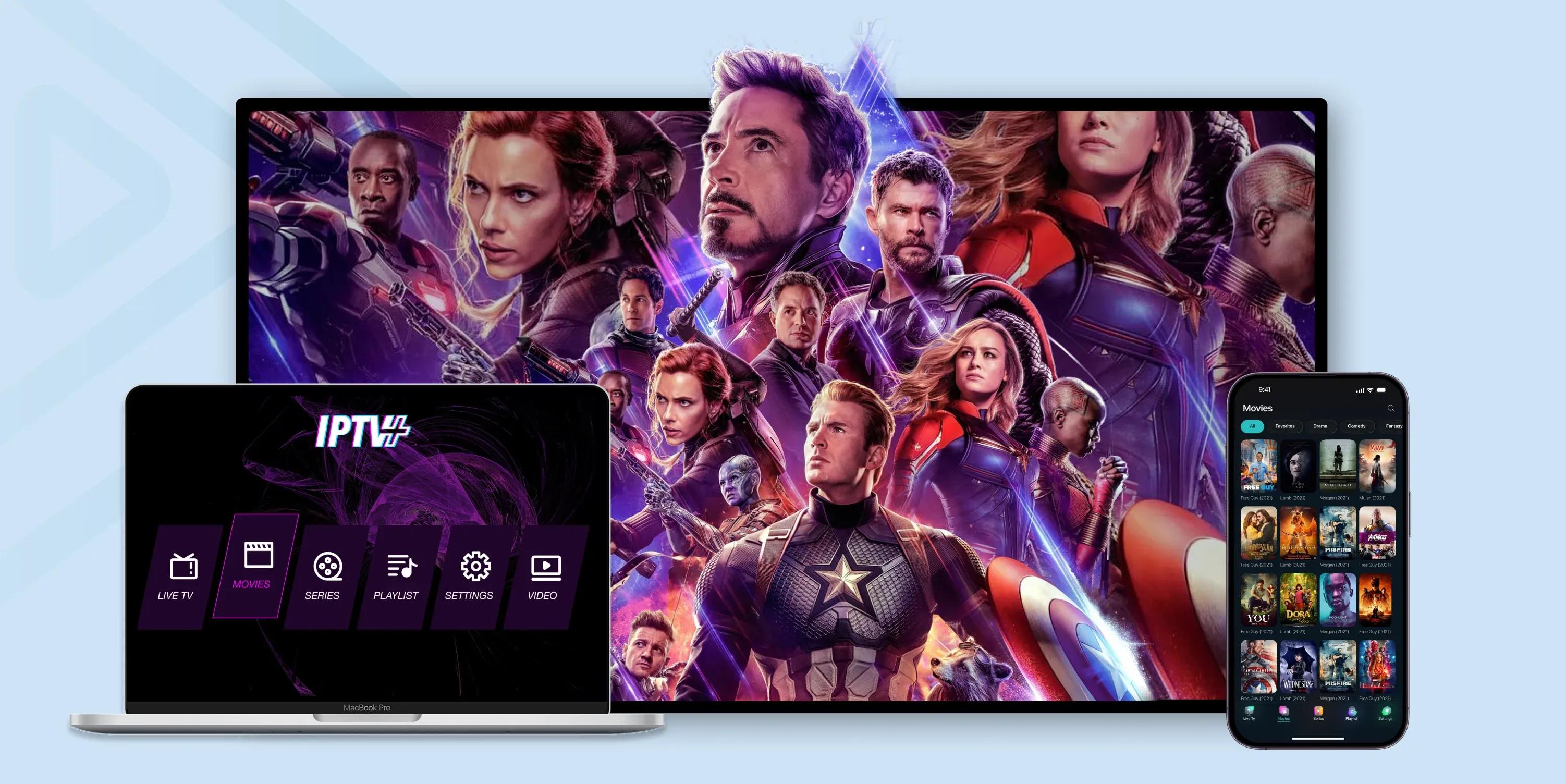
IPTV on LG Smart TV: Setup Guide and Best Apps
LG Smart TVs run on the webOS platform, which is known for being smooth and user-friendly. Setting up IPTV on an LG TV is straightforward once you know which apps are available and how to install them. Whether you have a brand new LG OLED or an older webOS model, this guide covers everything you need to start watching IPTV on your big screen.
Best IPTV Apps for LG Smart TV
LG webOS has a more limited selection of IPTV apps compared to Android TV or Firestick. Here are the best options currently available on the LG Content Store:
- SS IPTV: The most popular free IPTV player for LG TVs. Supports M3U playlists and Xtream Codes. Simple interface and reliable performance.
- IPTV Smarters: Available on newer LG models. Offers a clean interface with EPG support, favorites, and multiple playlist support.
- Set IPTV: Another option available on some LG models. Supports Xtream Codes and M3U with basic EPG functionality.
- Smart One IPTV: A newer option with a modern interface that works well on recent LG webOS versions.
How to Install an IPTV App on LG TV
Press the Home button on your LG Magic Remote to bring up the app launcher. Navigate to the LG Content Store which is the app store for LG TVs. Use the search function to find your preferred IPTV app. Select the app and click Install. The app appears on your home screen after installation.
If you cannot find the specific app you want in the LG Content Store, the app may not be available for your webOS version. Check your TV model and webOS version in Settings, General, About to determine compatibility.
Setting Up SS IPTV (Most Common)
SS IPTV is the go-to choice for most LG TV IPTV users. After installing it, open the app. Go to Settings and then External Playlists. Click Add and enter your M3U playlist URL provided by your IPTV provider. Give it a name and save. The app will load your channel list.
For Xtream Codes, go to Settings, Servers and enter your server URL, username, and password. SS IPTV supports both connection methods which makes it versatile for different IPTV providers.
Adding an EPG to LG IPTV Apps
Most LG IPTV apps support EPG through URL. In SS IPTV go to Settings, EPG, and add your EPG URL. For other apps the setting is usually under Settings or EPG in the app menu. Your IPTV provider should give you an EPG URL or the EPG may load automatically with your subscription.
Optimizing LG TV for IPTV
LG TVs have excellent picture quality out of the box. For IPTV viewing, go to Picture Mode and select Cinema or Expert for the most natural colors. Turn off TruMotion motion smoothing because it can add artifacts to live TV streams. If your LG TV has an Ethernet port, use a wired connection for the most stable IPTV experience.
Using an External Device with LG TV
If your LG TV does not have the IPTV app you want, or if the TV processor struggles with the app, you can connect an external streaming device. Plug a Firestick, Android TV box, or Apple TV into one of the HDMI ports and use that device for IPTV instead. Your LG TV becomes a high-quality display while the external device handles the streaming.
Common LG TV IPTV Issues
Some older LG webOS models have limited RAM which causes IPTV apps to run slowly. If you experience lag or crashes, try clearing the app data, restarting the TV, or using an external device. Also make sure your TV firmware is up to date as LG regularly releases webOS improvements.
FAQ: IPTV on LG Smart TV
Which IPTV app is best for LG?
SS IPTV is the most popular and reliable option for LG webOS. It supports both M3U and Xtream Codes connections.
Can all LG Smart TVs run IPTV?
Most LG Smart TVs from 2016 onwards support IPTV apps. Older models may have limited app availability.
Do I need an external device for IPTV on LG?
Not necessarily. Many LG TVs run IPTV apps directly. But an external device like Firestick may offer better performance on older TVs.
Why is IPTV slow on my LG TV?
Older LG TVs have less RAM. Try clearing app data and restarting the TV. If the problem persists use an external streaming device.



