IPTV on Smart TV Without Box: Is It Possible?
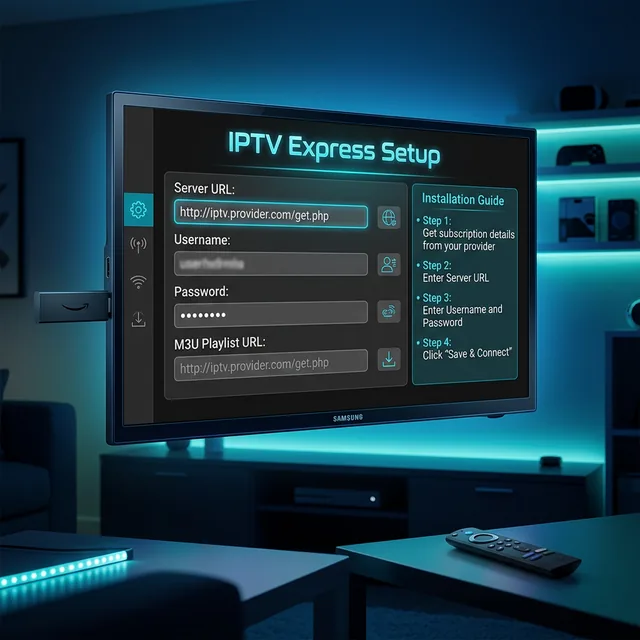
Many people wonder if they can watch IPTV on Smart TV without box. The short answer is yes, in most cases you can. Modern smart TVs from Samsung, LG, Sony, and others run operating systems that support IPTV apps directly, eliminating the need for an external streaming device. However, the experience varies significantly depending on your TV brand and model.
Smart TVs That Support IPTV Without a Box
- Samsung Tizen TVs: Support IPTV apps through the Samsung App Store including IPTV Smarters and Smart IPTV
- LG webOS TVs: Have an app store with IPTV options like SS IPTV and OTT Navigator
- Android TVs (Sony, TCL, Hisense): Full Google Play Store access for TiviMate, IPTV Smarters, and all major players
- Roku TVs: Limited IPTV support through private channels and casting
- Vizio SmartCast TVs: Very limited direct IPTV app support. Best used with casting
How to Install IPTV on Samsung Smart TV
Step 1: Press the Home button on your remote and navigate to the Samsung App Store.
Step 2: Search for IPTV apps. Popular choices include Smart IPTV (SIPTV) and IPTV Smarters.
Step 3: Install the app and open it.
Step 4: Enter your playlist URL or upload your M3U file through the app interface or the Smart IPTV website.
Step 5: Restart the app and your channels should appear.
How to Install IPTV on LG Smart TV
Step 1: Open the LG Content Store from your home screen.
Step 2: Search for SS IPTV or another IPTV player available in your region.
Step 3: Install and open the app. Some LG IPTV apps require you to enter an activation code through their website.
Step 4: Add your M3U playlist URL in the app settings.
Limitations of Built-in Smart TV IPTV
While convenient, built-in smart TV IPTV has some drawbacks. Older smart TVs may have underpowered processors that cause slow navigation. App selection is more limited than on Firestick or Android TV boxes. Updates to the TV OS are often discontinued after a few years, leaving you with outdated apps. And some smart TVs do not support all video codecs needed for certain IPTV streams.
When You Still Need a Box
Consider adding a streaming device if your TV is older than 5 years, if the built-in app store lacks the IPTV player you want, if navigation is sluggish, or if you need 4K support that your TV cannot handle. A -30 streaming device can dramatically improve the IPTV experience compared to built-in smart TV apps.
Frequently Asked Questions
What is the best IPTV app for Samsung Smart TV?
Smart IPTV (SIPTV) and IPTV Smarters are the most popular options for Samsung Tizen TVs.
Can I use TiviMate on my smart TV?
Only if your smart TV runs Android TV with Google Play Store access. Samsung and LG TVs cannot run TiviMate directly.
Will IPTV slow down my smart TV?
Modern smart TVs from 2020 or newer handle IPTV well. Older TVs may experience slower navigation and occasional performance issues.
Want an IPTV service that works great on smart TVs and streaming devices alike? Contact us on WhatsApp for just .58 per month.