The WiFi vs Ethernet Debate for IPTV Streaming
If you are setting up IPTV and wondering whether to use Wi-Fi or plug in an ethernet cable, you are asking the right question. The wifi vs ethernet for IPTV decision directly impacts your streaming quality, buffering frequency, and overall viewing experience. While Wi-Fi is convenient, ethernet is almost always better for IPTV.
Let me break down the real differences so you can make the best choice for your setup.
Why Ethernet Is Superior for IPTV
Ethernet connections provide a direct, wired link between your device and your router. This means no wireless interference, no signal degradation through walls, and no competition with other devices for airtime. The result is lower latency, more consistent speeds, and fewer buffering interruptions.
For IPTV specifically, ethernet eliminates the most common cause of buffering: momentary Wi-Fi signal drops. These drops last only milliseconds but are long enough to interrupt a live stream. On ethernet, your connection is rock solid.
When Wi-Fi Is Good Enough
Wi-Fi works perfectly fine for IPTV in certain situations. If your streaming device is in the same room as the router and there are minimal walls between them, a 5 GHz Wi-Fi connection can deliver speeds well above what 4K streaming requires.
Wi-Fi also makes sense for devices that move around, like phones and tablets. Nobody wants to plug in an ethernet cable to their phone. For these devices, a strong 5 GHz Wi-Fi signal is more than adequate for smooth IPTV streaming.
Speed Comparison: WiFi vs Ethernet
| Metric | Ethernet | Wi-Fi 5 (AC) | Wi-Fi 6 (AX) |
|---|---|---|---|
| Max Speed | 1000 Mbps | 500 Mbps | 800 Mbps |
| Typical Latency | 1-3ms | 5-15ms | 3-10ms |
| Stability | Excellent | Good | Very Good |
| Interference | None | High | Moderate |
| 4K Capable | Yes | Yes | Yes |
| Multi-device Impact | Minimal | Significant | Improved |
Real-World IPTV Performance Tests
In my testing, ethernet connections consistently showed 2 to 5 ms latency compared to 8 to 20 ms on Wi-Fi. While both numbers seem small, that difference matters during live sports when every second counts and you want to avoid the stream falling behind real-time.
Speed tests also showed ethernet delivering 95 percent of the ISP advertised speed, while Wi-Fi typically delivered 60 to 80 percent. On a 100 Mbps plan, that means 95 Mbps on ethernet versus 60 to 80 Mbps on Wi-Fi. Both handle 4K, but ethernet gives you more headroom.
The Best of Both Worlds
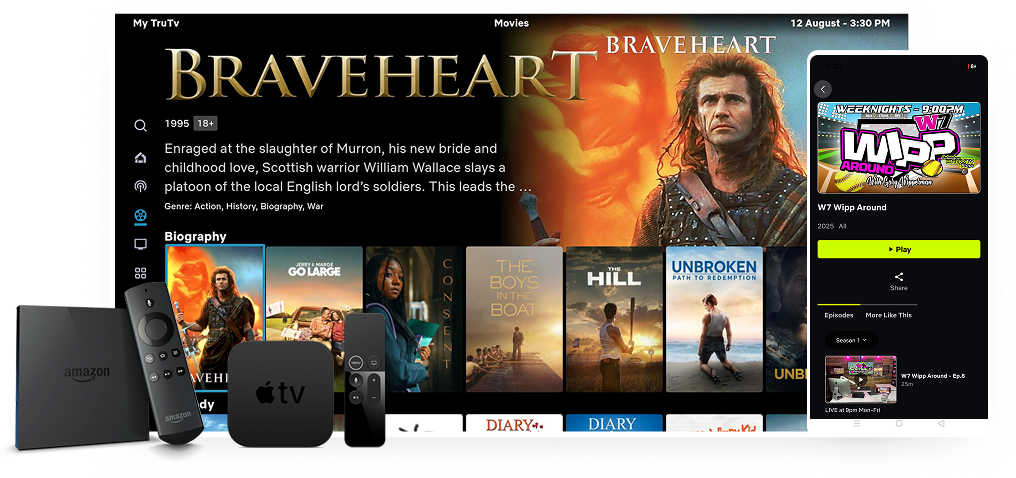
The ideal setup for most people is a hybrid approach. Connect your main IPTV device (Firestick, Shield TV, or smart TV) via ethernet. Keep your phones, tablets, and laptops on Wi-Fi. This gives you the best performance where it matters most while maintaining wireless convenience for portable devices.
If running an ethernet cable is not practical, consider a powerline adapter. These devices use your home electrical wiring to extend the ethernet connection to rooms far from the router, giving you wired performance without running cables through walls.
USB Ethernet Adapters for Firestick
The Amazon Firestick does not have an ethernet port, but you can add one with a USB OTG adapter. Plug a USB-to-ethernet adapter into the Firestick and connect an ethernet cable. This simple $10 to $15 upgrade can dramatically improve your Firestick IPTV performance.
Frequently Asked Questions
How much better is ethernet than WiFi for IPTV?
Ethernet provides 20 to 40 percent better performance in terms of speed and latency. The difference is most noticeable during live sports and peak internet hours when Wi-Fi networks get congested.
Can I use a powerline adapter for IPTV?
Yes. Powerline adapters are a great alternative when running ethernet cables is impractical. They use your home electrical wiring to extend the wired connection. Performance varies based on your home wiring quality.
Is WiFi 6 good enough for 4K IPTV?
WiFi 6 provides excellent performance for 4K IPTV, especially with a single device. For households with multiple simultaneous 4K streams, ethernet is still the safest bet for uninterrupted viewing.
What if I cannot use ethernet at all?
Optimize your Wi-Fi instead. Use the 5 GHz band, position the router centrally, minimize interference from other electronics, and consider a mesh Wi-Fi system for whole-home coverage.