How to Watch IPTV on a Projector
Transforming your living room or backyard into a cinema with an IPTV projector setup is easier than you think. Watching IPTV on a projector delivers a massive screen experience that no TV can match. Whether you want to watch the big game on a 120 inch screen or enjoy movies in your backyard, this guide covers the best setup for IPTV projector viewing.
What You Need for IPTV Projector Setup
- Projector with HDMI input: Any modern projector with HDMI works, but brighter is better
- Streaming device: Firestick, Android TV box, or any device that runs IPTV apps
- Screen or flat wall: A proper projector screen gives the best results but a white wall works
- Sound system: Built-in projector speakers are terrible. Use external speakers or a soundbar
- Dark environment: Projectors look best in dark or dimly lit rooms
Projector Specifications That Matter for IPTV
| Spec | Minimum | Recommended |
|---|---|---|
| Resolution | 1080p | 4K native |
| Brightness | 2500 lumens | 3000+ lumens |
| Input Lag | Under 50ms | Under 20ms |
| Contrast Ratio | 10000:1 | 50000:1+ |
| Connectivity | HDMI | HDMI 2.0+ with ARC |
Step-by-Step Setup Guide
Step 1: Position Your Projector. Place the projector at the right distance from your screen for the desired image size. Most projectors have a throw ratio chart in their manual.
Step 2: Connect Your Streaming Device. Plug your Firestick or Android box directly into the projector HDMI port. Some people prefer connecting through an AV receiver for better audio.
Step 3: Set Up Audio. Connect a Bluetooth speaker, soundbar, or surround system. HDMI ARC or a separate audio connection provides the best quality.
Step 4: Adjust Picture Settings. Set the projector to the correct input, adjust focus, keystone correction, and picture mode. Use Cinema or Movie mode for the most accurate colors.
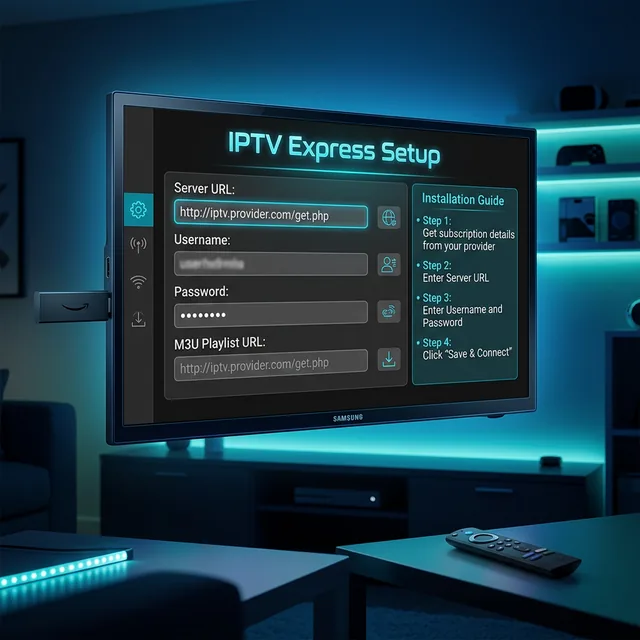
Step 5: Install and Configure Your IPTV App. Install your IPTV player on the connected streaming device, enter your credentials, and start watching on the big screen.
Best Projectors for IPTV Under
For IPTV viewing, you do not need a projector. Excellent options include the Epson Home Cinema 880 for 1080p, the BenQ TH685P for gaming and sports, and the Optoma HD146X for bright rooms. All three handle IPTV streams beautifully and offer great value for the price.
Tips for Outdoor IPTV Viewing
For backyard movie nights, choose a projector with at least 3000 lumens for visibility. Use a portable Bluetooth speaker system. Set up a flat white sheet as a budget screen. Start viewing after sunset for the best picture. And bring a long extension cord or use a portable power station for the projector.
Frequently Asked Questions
Can any projector stream IPTV?
Any projector with an HDMI input can display IPTV if you connect a streaming device to it. The projector does not need built-in smart features.
How big can I project IPTV?
Most projectors support screen sizes from 60 to 300 inches. The image quality depends on the projector native resolution and brightness.
Is a projector better than a TV for watching sports?
A projector provides a much larger image which is amazing for sports. However, TVs generally have better brightness and contrast for well-lit rooms.
Want great IPTV streams for your projector setup? Contact us on WhatsApp for HD and 4K streams at just .58 per month.